Hosting Vs DIY Maintenance for Busy Plumbing Companies
Keep Plumbing Leads Flowing Before Winter Demand Hits
September is a smart time to review your plumbing website before cold-weather calls begin to pile up. As water heater problems, drain backups, frozen pipe concerns, and emergency requests increase, your site needs to be ready to turn urgent searches into booked jobs.
We often remind plumbing companies that a website is not something you build once and forget. It needs steady care to stay fast, secure, easy to find in search, and simple to use on a phone. A small problem can send a homeowner to another company when they need help right away.
A broken call button, expired domain, slow contact form, or outdated service page can quietly hurt your lead flow. When someone is standing in a wet basement or dealing with no hot water, they are unlikely to wait around for a page to load or hunt for a working phone number.
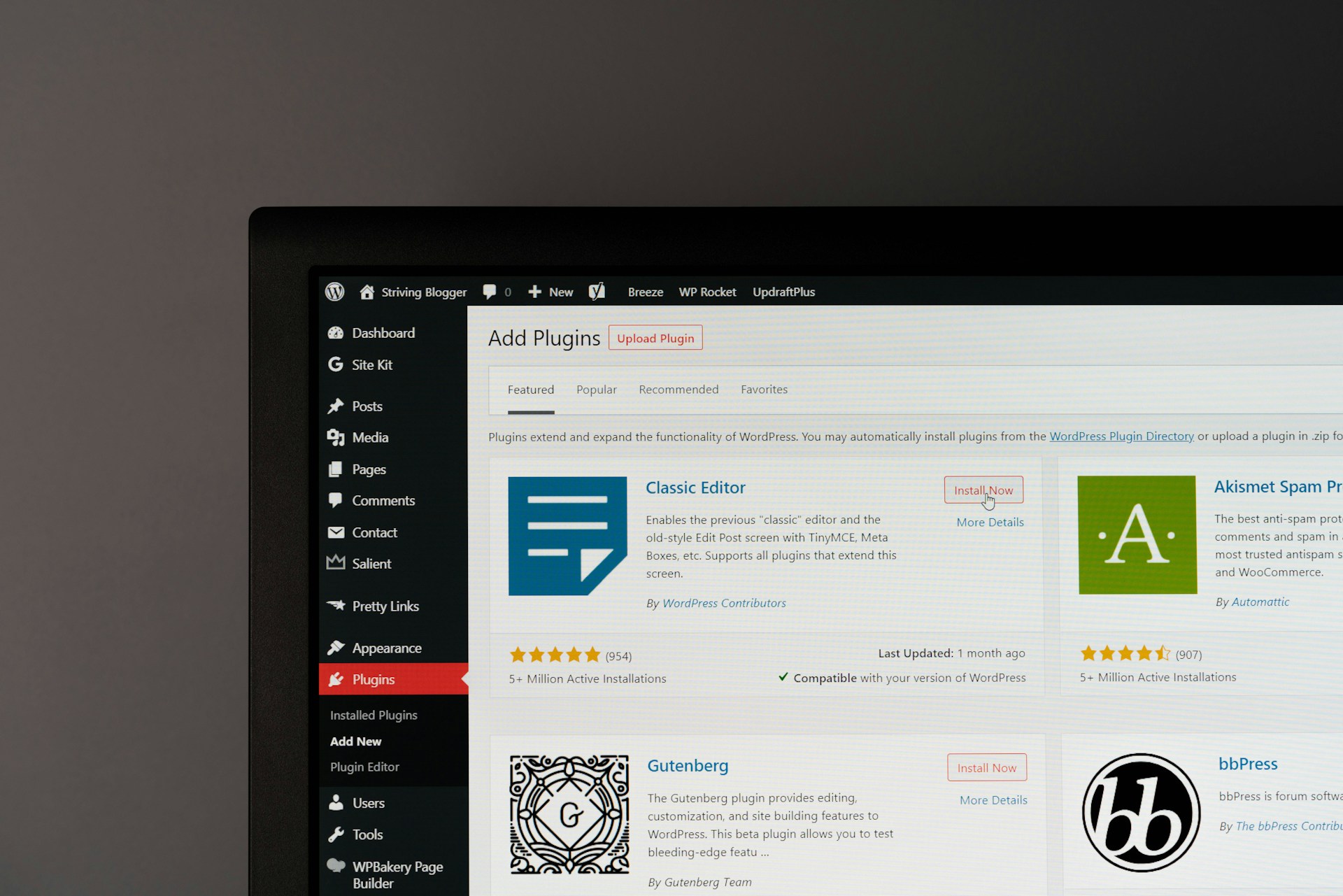
That is where the choice between managed hosting and DIY website maintenance matters. Managed WordPress hosting places technical tasks in the hands of a qualified provider. DIY care puts those tasks on you or someone on your team, along with all the troubleshooting that comes with them.
What Managed Hosting Covers That DIY Care Misses
Keeping a website online is only one part of plumbing website management. Behind the scenes, WordPress sites need regular updates, security checks, backups, speed reviews, and ongoing monitoring. Each task helps keep the pages, forms, maps, reviews, and phone links your customers rely on available when they need them.
A managed hosting plan should help cover work such as:
- WordPress, theme, and plugin updates
- Plugin compatibility checks after updates
- Uptime monitoring and security scanning
- Website speed and mobile performance reviews
- Reliable backups and help restoring the site if something goes wrong
Updates deserve more attention than many people expect. A plugin update may improve one feature while causing trouble somewhere else. It can affect a page layout, interrupt a quote form, create a conflict with another tool, or cause a booking feature to stop working properly.
With managed support, we can watch for issues, investigate problems sooner, and restore a site when an update creates trouble. When maintenance is handled only when someone has spare time, problems may go unnoticed until a customer mentions that a form failed or a page looks strange.
Your office should be focused on dispatching technicians, returning customer calls, following up on estimates, and getting ready for seasonal demand. Handing off technical site care creates a more dependable process and helps prevent website tasks from sitting on a to-do list for weeks.
The Real Burden of DIY During Busy Weeks
DIY website care can seem simple because there is no outside support team handling the work. Still, it takes time to learn what each update does, research errors, renew services, manage passwords, check forms, and figure out which plugin caused a problem.
During a slow week, that work may feel manageable. During a packed service week, it is easy for website maintenance to move to the bottom of the list. A business owner may plan to check the site later, only to find that later arrives after a missed lead or a customer reports a problem.
Delayed maintenance can lead to issues that affect how people experience your business online. A site may load slowly, show a security warning, display old service information, or fail to collect requests from potential customers. Even one missed emergency call or water heater replacement inquiry can make the time saved by avoiding maintenance feel very small.
DIY management can work for a company with a simple website, strong technical confidence, documented processes, and dedicated time each month. Even then, the business needs a clear way to manage renewals, backups, passwords, updates, and urgent website failures. We find that this level of consistency is hard to maintain when the phones are ringing and technicians are in the field.
Protect Customer Leads Through Security and Backups
Plumbing websites often collect customer details such as phone numbers, addresses, and quote requests. That makes security an important part of protecting both your business and the people who contact you. A compromised website can interrupt lead generation, damage trust, and create a stressful recovery process.
Secure hosting and regular monitoring can help reduce exposure to common WordPress threats. Just as important, the website should have a backup process that does more than create a file somewhere in the background.
A dependable backup needs to be:
- Recent enough to be useful
- Stored where it can be accessed when needed
- Checked to make sure it is working properly
- Available for a quick restoration if the website fails
Many DIY users set up backups once and assume the job is finished. But backup settings can fail, storage can fill up, and old files may not restore as expected. Managed support gives you a clearer process for protecting your site and getting it back online if an issue occurs.
Trust also matters in local search. When someone finds your plumbing company on a mobile phone, they want to see a professional site with current service information, accurate hours, a working call option, and a secure browsing experience. Those details support the confidence people need before they choose who to call.
Choose Support That Can Grow with You
Your website needs can change as your plumbing business grows. Adding service areas, new technicians, emergency hours, financing details, seasonal offers, or new service pages can create more moving parts. Each change should work well with the rest of your site instead of creating a new technical problem.
We recommend choosing support that understands lead generation, not just server space. Hosting works best when it connects with the other tools that help people find and contact you, including your domain, professional email, website design, SEO work, and Google Ads campaigns.
Before choosing website support, ask clear questions:
- Who handles updates, security checks, and backups?
- How quickly can website problems be reviewed?
- Can the provider help with content and service page changes?
- Will they monitor page speed and mobile performance?
- Can the site support SEO and paid advertising as your company grows?
One coordinated provider can reduce confusion when several parts of your online presence need attention. Instead of trying to sort out whether a problem belongs to your domain company, email provider, web designer, or host, you have a clearer path for getting help.
Prepare Your Website for the Next Service Rush
DIY maintenance can work when you have technical knowledge and a dependable routine for handling it. For many busy plumbing companies, managed hosting offers more confidence that the website will remain available, protected, and ready when seasonal demand increases.
Reviewing hosting, domain renewal status, backups, contact forms, phone links, service pages, and mobile performance helps identify weak points before seasonal demand increases. When these elements work smoothly, the website is better prepared to provide accurate information and reliable access during urgent plumbing searches.
Keep Your Plumbing Website Ready to Respond
BK Design Solutions provides dependable plumbing website management that keeps essential updates, security, and performance from adding to your team’s workload. We handle the technical details so your website can continue supporting customers and service inquiries. If you need a more reliable maintenance plan, contact us to discuss your needs.